About Steps 14
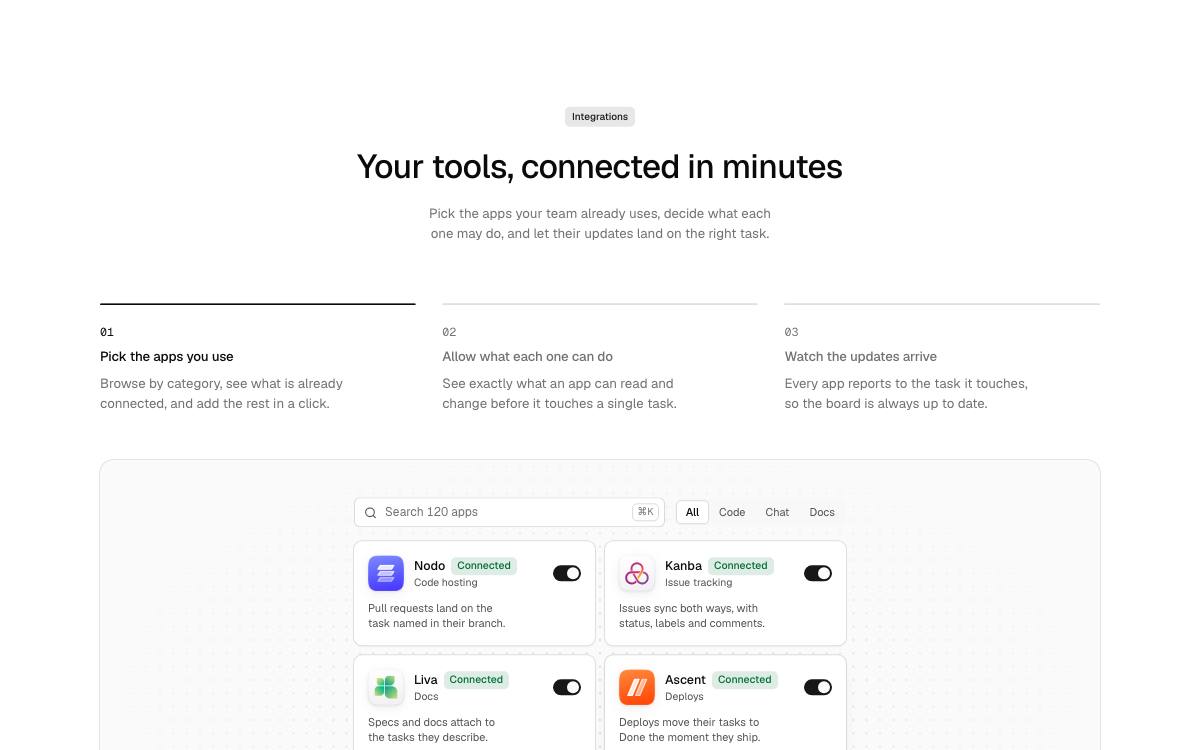
Steps above an image: a row of tabs that play through the steps, a wide framed image under them changing with each.
Options
- Defaults to
<h1>. - Pass
as="h2"when a hero or another block already owns the page's heading. - The steps are an array at the top of the file; they play on their own, hold under the pointer and wait to be chosen when motion is reduced.
- Images start empty;
illustrationsfills them, one node per step in order. sectionsets rhythm, width and colour scheme;snaplays it on the grid lines.
More Steps blocks
- Steps 15
Steps below an image: a wide framed image over a row of tabs that play through the steps, the image changing with each.
- Steps 16
Steps above a screenshot: a row of tabs that play through the steps while the screenshot under them zooms to each step's part of it.
- Steps 17
Steps below a screenshot: the screenshot zooms to each step's part of it while a row of tabs under it plays through the steps.
- Steps 18
Steps beside a screenshot: tabs that play through the steps while a screenshot fading off the right edge zooms to each step's part.
- Steps 19
Install command: a copyable terminal command under a centred header, with numbered steps joined by a line below it.
- Steps 20
Three columns, carded: developer steps on cards, each ending in a code block, every block the same height.