About Navbar 02
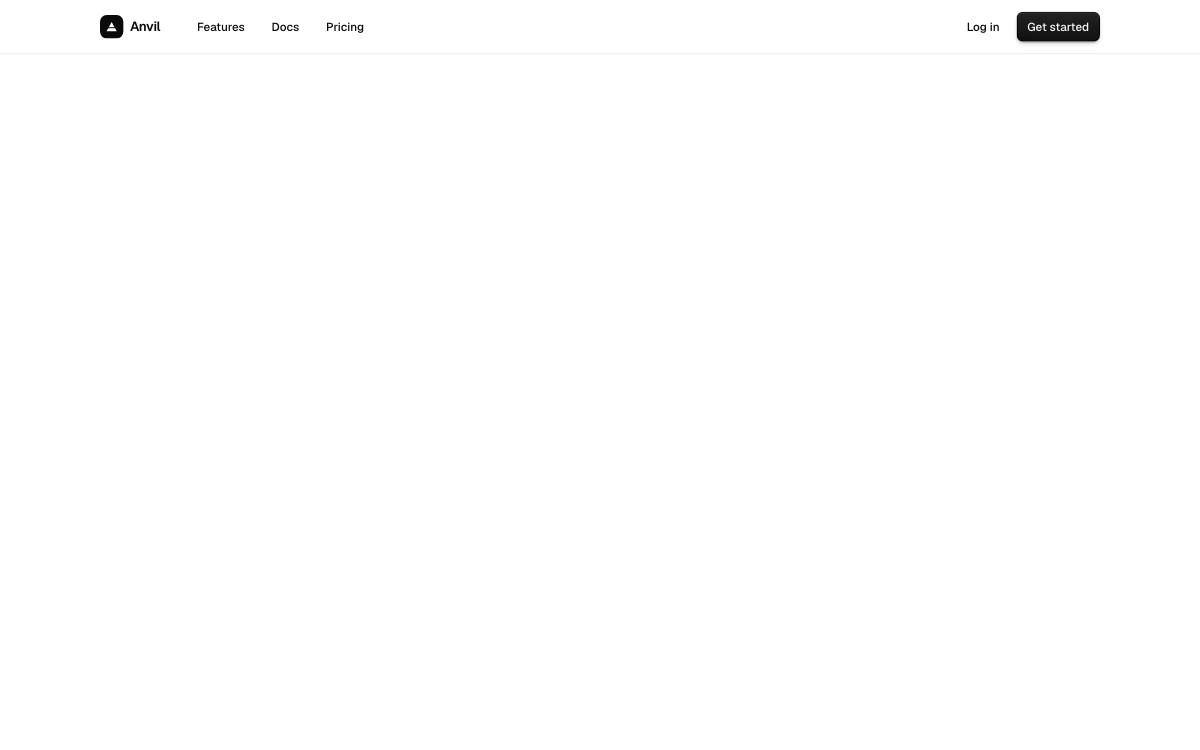
Left-aligned navigation, plain links: they sit beside the logo, buttons at the far edge. Every link goes straight to a page.
Options
- Takes no
as— it owns no heading, so there is nothing for a page's<h1>to skip past. - The mobile panel and any dropdown are self-contained and need no wiring.
- Rhythm and colour scheme come from
Sectionthroughsection.
More Navbar blocks
- Navbar 03
Right-aligned navigation, plain links: they sit beside the buttons rather than the logo. Every link goes straight to a page.
- Navbar 04
Centred navigation with a single-column dropdown that opens under whichever link you point at, so the panel travels between triggers.
- Navbar 05
Left-aligned navigation with a single-column dropdown that opens under the link you point at, moving between triggers rather than holding still.
- Navbar 06
Right-aligned navigation with a single-column dropdown that follows the link you point at instead of staying put.
- Navbar 07
Centred navigation with a two-column dropdown pinned to the page centre. The panel holds position and only its contents cross-fade on a swap.
- Navbar 08
Left-aligned navigation with a two-column dropdown pinned to the page's left rail, its contents sliding sideways as you move between links.